
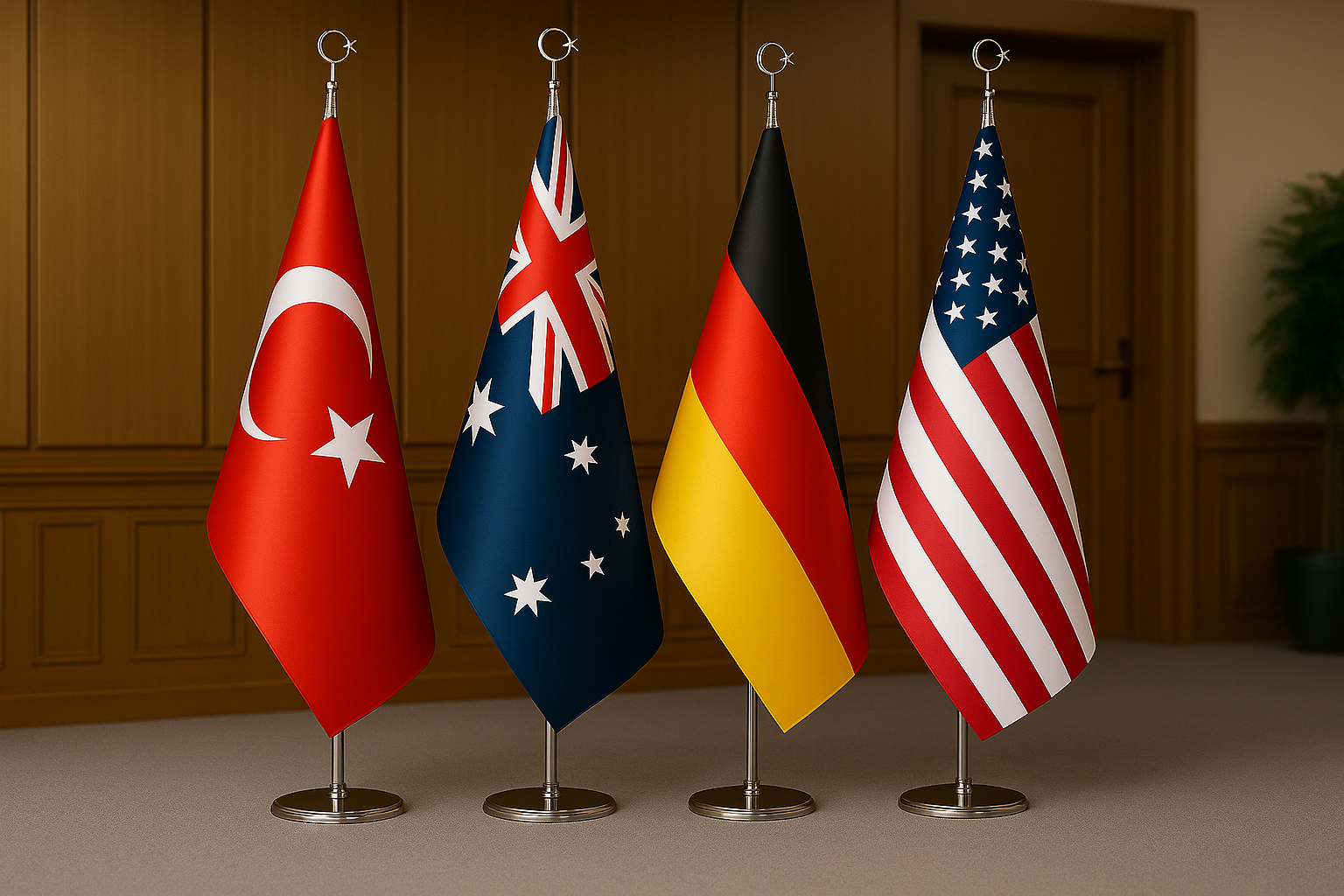
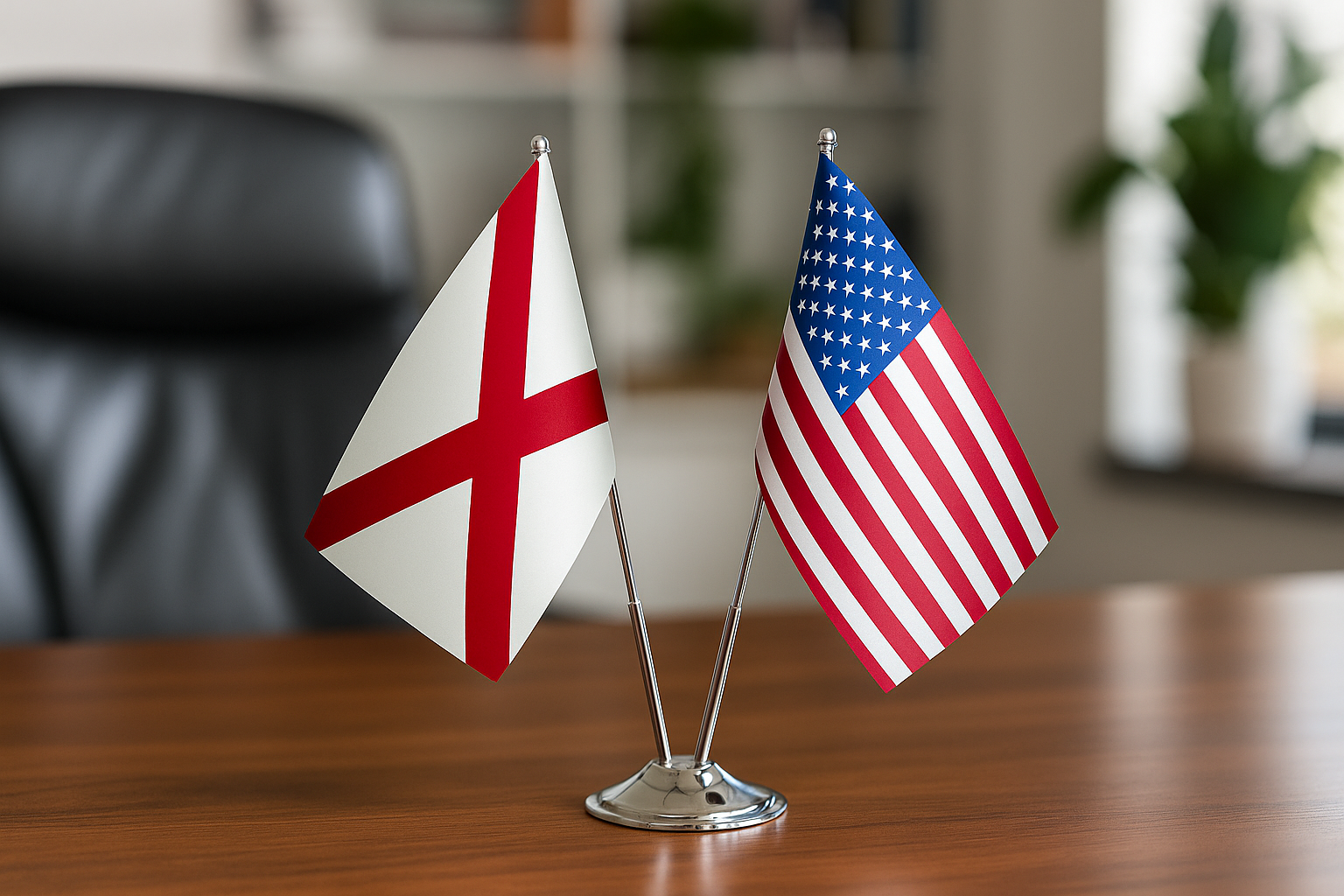
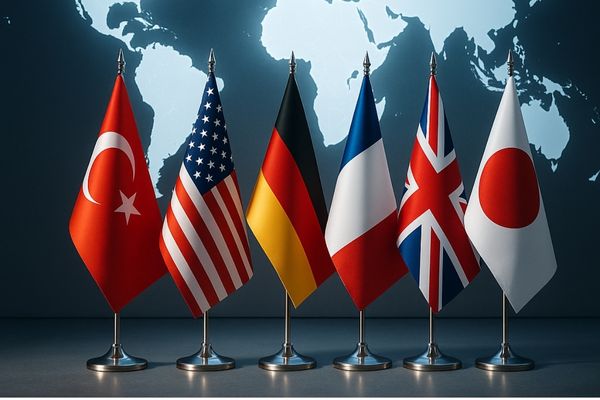
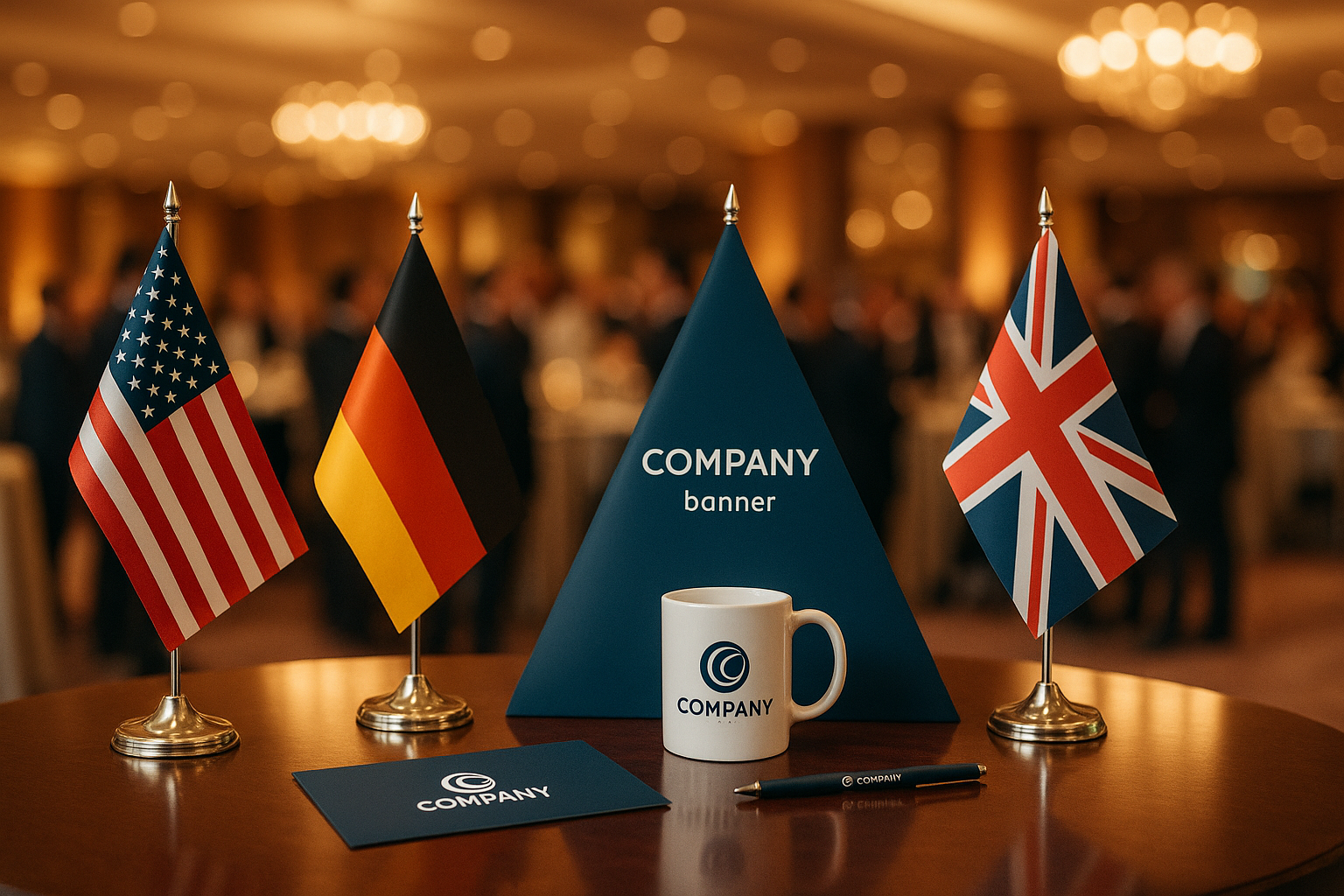

For flags for printing, the ideal file format is vector (AI, EPS, or PDF) at a minimum 150 DPI at final print size — this single specification prevents 90% of the blurry, pixelated results that plague custom flag orders. Whether you're ordering a lobby display or a full outdoor banner, submitting artwork in the correct format and at the right resolution is the difference between a flag that looks crisp at 10 ft (3 m) away and one that looks like it was photocopied. Browse the Corporate Flags collection to see the range of print formats available for business and government applications.
Accepted File Formats for Flag Printing: Which Files Actually Work
The safest file formats for flag printing are vector-based: Adobe Illustrator (.AI), Encapsulated PostScript (.EPS), and print-ready PDF. These formats store artwork as mathematical paths rather than pixels, so they scale to any flag dimension — from a 4 × 6 in (10 × 15 cm) desk flag to a 10 × 15 ft (3 × 4.6 m) outdoor banner — without any loss of sharpness. When a manufacturer receives a vector file, operators can resize it freely without touching the original artwork quality.
Raster formats (JPEG, PNG, TIFF) are accepted under specific conditions: the image must be supplied at minimum 150 DPI at the actual print size, though 300 DPI is strongly preferred for close-viewing applications like desk flags or indoor displays. A common mistake is sending a logo that looks sharp on a monitor at 72 DPI screen resolution — at print size, that same file often renders at only 10–20 DPI, producing muddy, unacceptable results. PNG files with transparent backgrounds are preferable to JPEG when raster formats are necessary, because transparency allows colors to print cleanly against the flag's base fabric color.
SVG files are increasingly accepted by digital printing systems, especially for web-originated artwork, but always confirm with your manufacturer that their RIP (Raster Image Processor) software supports the specific SVG version you're submitting. PDF files remain the most universally reliable option: when exported from professional design software with fonts outlined and linked images embedded, a PDF travels from designer to print floor without any font substitution or missing-link errors. For the majority of corporate flag orders, a print-ready PDF with embedded vector paths is the gold standard.
Resolution and Color Mode Requirements for Printed Flags
Resolution for flag printing should be set at 150 DPI minimum (300 DPI preferred) measured at the actual output dimensions, and artwork must be supplied in CMYK color mode — not RGB. RGB is a screen color space that can produce vivid blues and purples that simply don't exist in physical ink sets; when an RGB file is converted to CMYK at the print stage, those out-of-gamut colors shift noticeably, often turning a vibrant corporate blue into a muddy navy.
 When color accuracy is mission-critical — think a corporate logo with a proprietary Pantone color — request Pantone (PMS) color matching from your manufacturer. Pantone spot colors bypass the CMYK conversion entirely and are mixed to a precise ink formula, guaranteeing that your brand's signature red or blue reproduces consistently across every flag in the run. The Chrome Pole Official Flag with Logo is produced with exactly this level of color precision, making it the right choice for executive offices and formal reception areas where brand standards are non-negotiable. For printed flags displayed under artificial office lighting, note that certain fluorescent and LED spectrums can shift perceived color by as much as 10–15 points on the Munsell scale — always request a physical proof under the intended lighting conditions before approving a large run. Keep in mind that fabric substrate also affects color: a flag printed on matte polyester will render colors slightly differently than the same file printed on satin-weave or mesh fabric, so confirm substrate and finish before finalizing your color settings.
For bleed and safe-zone specifications: set a bleed of at least 0.5 in (12.7 mm) on all edges that will be hemmed or sewn, and keep all critical content — logos, text, registration marks — at least 1 in (25.4 mm) inside the trim line. Flags are cut and sewn with some mechanical tolerance; artwork that runs too close to the edge risks being partially hidden behind a hem or header sleeve. Following these guidelines upfront eliminates the most common back-and-forth between clients and print production teams.
Standard Flag Print Sizes and Which Format Fits Each
Standard flag print sizes range from 4 × 6 in (10 × 15 cm) desk formats up to 10 × 15 ft (3 × 4.6 m) for large outdoor poles, and the file format requirements shift slightly depending on how large the final output will be. Smaller flags demand higher DPI raster files because viewers are typically within arm's reach; large outdoor flags are viewed from 20–50 ft (6–15 m) away, making 100–150 DPI at print size perfectly adequate.
Here is a practical reference table by common flag size:
- Desk flag, 4 × 6 in (10 × 15 cm): 300 DPI minimum; vector preferred. Viewed at 12–24 in (30–60 cm).
- Standard indoor flag, 3 × 5 ft (0.9 × 1.5 m): 150–300 DPI; vector or high-res raster. Viewed at 6–15 ft (1.8–4.6 m).
- Outdoor pole flag, 3 × 5 ft (0.9 × 1.5 m): 150 DPI minimum; vector strongly preferred due to wind distortion reading distance.
- Large outdoor flag, 6 × 10 ft (1.8 × 3 m): 100–150 DPI at print size; vector essential for logo sharpness.
- Oversized display flag, 10 × 15 ft (3 × 4.6 m): 72–100 DPI acceptable; viewing distance 30–50 ft (9–15 m).
- Vertical / feather flags, 13–19 ft (4–5.8 m) tall: 100 DPI at size; ensure artwork is oriented for vertical format before submission.
For vertical format applications, artwork must be supplied pre-rotated to the correct orientation — a landscape logo centered in a portrait flag will print exactly as submitted, not automatically reformatted by the printer. The Vertical Pole Flag page includes specific artwork orientation guidance to help you set up your file correctly the first time.
 The Logo Printed Pole Flag is one of the most commonly ordered formats for corporate campuses, trade shows, and government buildings, and it illustrates exactly why resolution planning matters: a flag flying at 20 ft (6 m) height is read from ground level at a sharp upward angle, compressing the apparent size of the artwork. Designers sometimes supply artwork sized for eye-level viewing and are surprised that logos appear smaller than expected once the flag is raised — always design and size your artwork at the actual flag dimensions, not a scaled-down preview. For this product, supplying an AI or EPS file with all text converted to outlines (curves) ensures the manufacturer's equipment can process the file without font licensing complications on their end. If your brand guidelines include a minimum clear-space rule around your logo, apply that rule at the actual flag dimensions, not the screen preview, and call it out explicitly in your file notes so the production team honors it.
Preparing Artwork: Practical Checklist Before You Send Your File
Before submitting artwork for any printed flag order, run through this checklist: convert all fonts to outlines or curves, embed all linked images, set color mode to CMYK, include Pantone color callouts in a separate notes field, and confirm DPI at the actual output size — not the file's native size. Missing even one of these steps is enough to cause a production delay or a reprint.
- Fonts to outlines: Any font not converted to curves will substitute to a system default if the manufacturer's workstation lacks that typeface — often unrecognizable from the original design.
- Embedded images: Linked (rather than embedded) images travel separately and frequently go missing during file transfer; embed everything inside the master file.
- Color mode: Confirm CMYK in Document Color Mode, not just by converting the individual objects.
- Bleed: Add 0.5 in (12.7 mm) bleed on all hemmed edges; increase to 1 in (25.4 mm) on header/sleeve edges.
- Safe zone: Keep logos and text 1 in (25.4 mm) inside the trim line.
- Proof request: Always request a digital soft-proof (PDF proof) and, for large runs, a physical strike-off on the actual fabric before approving production.
- File naming: Name files with the order number, flag size, and version number (e.g., ORD4521_3x5ft_v2.pdf) to prevent version confusion.
For clients ordering branded merchandise alongside flags — lanyards, table covers, banners — the same file can often be reused across products with minor size adjustments. The Branded Merchandise & Custom Printed Textiles collection shares the same artwork submission standards, so a single properly prepared file package can cover an entire event's branded display needs.

Corporate Flags Collection
Every flag in this collection is produced with full-color digital printing to exact file specifications — ideal for corporate branding, government offices, and trade show displays.
Browse Collection →Single-Sided vs. Double-Sided Print: File Setup Differences
Single-sided printed flags require one artwork file; double-sided flags require two mirror-image files — one for each face — and the setup is different enough that submitting a single-sided file for a double-sided order is one of the most common and costly mistakes in flag production. On a single-sided flag, ink penetrates through the fabric to create a "ghosted" reverse image on the back; on a double-sided flag, two fabric panels are printed separately and sewn together with a blocking liner, so each side must be supplied as a complete, independent artwork file.
When preparing double-sided artwork, the back face must be horizontally mirrored so that when the two printed panels are sewn together face-to-face, the artwork reads correctly from both sides. For logos with directional elements — arrows, text, mascots facing a specific direction — this mirroring step is critical and easy to overlook. For a deeper look at construction and use-case differences, the article on single-sided and double-sided custom flags covers the trade-offs in detail, including when each construction is appropriate for outdoor versus indoor environments.
Common File Submission Mistakes That Delay Flag Printing
The most common file submission mistakes that delay flag printing are: submitting low-resolution raster files, sending RGB instead of CMYK, leaving fonts live (not outlined), and failing to include bleed. Each of these errors typically requires the client to resubmit artwork, adding 1–5 business days to the turnaround before production even begins.
Beyond those four primary errors, watch for these less obvious but equally disruptive issues. Submitting a file sized at "8.5 × 11 in (A4) for reference" instead of at actual flag dimensions is surprisingly common — the production team then has to scale up the file and re-evaluate whether the resolution still qualifies at the larger size. Overprinting settings that work on paper — such as black overprint on — can cause unexpected color interactions on fabric, particularly on semi-transparent substrates like mesh. Using spot colors in an otherwise CMYK file without flagging them for conversion can cause a surprise fifth-plate charge or a color mismatch. And supplying artwork with hairlines (strokes thinner than 0.25 pt) guarantees those lines disappear entirely when the flag is printed at scale on fabric.
If you're also ordering display infrastructure alongside your printed flags — poles, bases, or banner stands — note that file format requirements for banner printing are covered in the Custom Banner Prices by Size and Material guide, which addresses substrate-specific resolution thresholds in similar detail.
What file format should I send for custom flag printing? +
What resolution do printed flags need to look sharp? +
Should flag artwork be in CMYK or RGB? +
How do I set up bleed and safe zones for a printed flag? +
Can I use a logo from my website for flag printing? +
What is the difference between dye-sublimation and digital printing for flags? +
How long does custom flag printing take from file submission to delivery? +
Submitting correctly formatted artwork is the single highest-leverage step in getting a great-looking custom flag on time. Start with a vector source file, set your color mode to CMYK before export, add bleed, convert fonts to outlines, and request a digital proof before approving production. For corporate and government applications requiring precise color and professional installation hardware, explore the Logo Printed Pole Flags collection, the Vertical Pole Flag for branded storefront and event displays, and the full Corporate Flags collection for side-by-side comparison of formats, sizes, and hardware options. Bulk pricing is available for corporate orders — contact the team with your artwork package and quantity for a tailored quote.


